
Criminals impersonate you.We shut them down.
They register domains that look like yours to send fake invoices, clone your site, scam your customers and phish your staff. Our award-winning company finds them early and gets them taken down for you.
- 6m+lookalike domains checked every month
- 75m+new website certificates checked every day
- 400k+visits to customer websites checked for copies every month
We protect companies across US, UK, EU and APAC











How a fake web address is used against you
A convincing fake of your company now takes minutes to set up, and AI writes the emails. Your email filters and firewalls protect your own systems, not the web addresses (domains) criminals register in your name.
Hi Sarah,
Further to our call last week, please note that we have moved our receivables to a new factoring arrangement. All previous remittance instructions are now void.
Invoice INV-20418 ($125,000.00, due 28th) should not be settled to the account on the original invoice. Please reply to this email and I will send over the verified banking details for the new account today.
Kind regards,
Karen Mitchell
Sales Director, Your Company Inc
- The domain. The real company uses yourcompany.com. The fake adds a word to the name. "Finance", "invoices" or the full registered company name all look more official, not less.
- The ask. No bank details, no link, no attachment, so there is nothing for a filter to catch. It asks the customer to reply, and the bank details arrive in the next email.
- The person. Karen is a real employee. Her name, job title and signature were copied from the company website or her LinkedIn profile in about a minute. Nothing had to be hacked.
The company, domain, people and figures in this example are made up.
How we find fake web addresses and get them taken down
We watch for domain names, websites, email set-ups and security certificates made to look like yours, and alert you with the evidence.
Web addresses made to look like yours
These are lookalike domains: a swapped letter, .co instead of .com, a word such as -invoices added, or a letter from another alphabet. Most people will not spot the difference. Criminals use them to send fake invoices, copy your website and get your staff to log in to fake pages.
How monitoring worksWe check every hour and sort what we find
Every lookalike we watch for you is re-checked every hour, and we watch public certificate logs as new entries appear. We flag one when it is registered, gets a website or is set up to send email. Findings are sorted automatically: threats are alerted, doubtful ones go on a watch list, and the rest are marked safe. Nothing is sent to anyone until you confirm.
When one is used against you, we get it taken down
Once it is confirmed as a live attack, one click sends the evidence to up to 12 places that can act on it, all at once: the registrar, the host, the email provider, blocklists that spam filters use, browser warning lists and search engines. If they do not act, we chase them on a set schedule and tell you when it is offline, or if it stalls. Most takedowns take between 2 and 96 hours.
How a takedown worksWhat you get, and who does the work
You should not need a security team to know when someone is pretending to be you. You choose who approves each takedown: you, or our analysts.
Pro: you approve each takedown
Annual plan. 5 domains included, add more any time.
- Every lookalike of your domains re-checked every hour
- Unlimited takedowns, each approved by you with one click
- Automatic follow-ups to the host, registrar and registry
See pricingWe give you the price on a call.
Enterprise: our analysts run it
Annual plan. Unlimited domains and brands.
- Our analysts check every alert before it reaches you
- We run the takedowns and follow-ups for you
- A dedicated team on your account
See pricingWe give you the price on a call.
The attacks it stops, and who they hit
Finance
Fake invoices
Emails from a lookalike of your domain send your customers and suppliers new bank details.
How we stop fake invoicesCustomer service
Fake shops
A copy of your shop on a lookalike domain takes payment for orders that never arrive. Your customer service takes the complaints.
How we stop fake shopsIT and security
Staff phishing
A fake login page on a lookalike collects your staff's passwords.
How we stop fake login pagesBrand and marketing
Copies of your website
A copy of your website on another address borrows your name and your customers' trust.
How we find copies of your siteCustomer service
Scam texts and messages
Texts and messages send your customers to a lookalike that asks them to pay or log in.
How we stop scam textsHR
Fake job offers
Fake recruiters use a lookalike of your domain to take money and personal details from job seekers.
Read the fake recruiter case
The attacks it stops, and who they hit
- Finance
Fake invoices
Emails from a lookalike of your domain send your customers and suppliers new bank details.
How we stop fake invoices - Customer service
Fake shops
A copy of your shop on a lookalike domain takes payment for orders that never arrive. Your customer service takes the complaints.
How we stop fake shops - IT and security
Staff phishing
A fake login page on a lookalike collects your staff's passwords.
How we stop fake login pages - Brand and marketing
Copies of your website
A copy of your website on another address borrows your name and your customers' trust.
How we find copies of your site - Customer service
Scam texts and messages
Texts and messages send your customers to a lookalike that asks them to pay or log in.
How we stop scam texts - HR
Fake job offers
Fake recruiters use a lookalike of your domain to take money and personal details from job seekers.
Read the fake recruiter case
Attacks we got taken down
- Fake online stores
Seven fake stores found within three days. Five taken down in the first week, and 14 in the first two weeks.
Read the case study: 14 fake stores taken down in two weeks - Fake invoices
On anti-phishing blocklists the same day. The registrar later took the domain offline.
Read the case study: Fake invoice domain taken offline - Copied website
Offline about 24 hours after the copy was confirmed.
Read the case study: Copied website removed in about a day - Copied website
Offline before any customer, prospect or employee was known to have used it.
Read the case study: Cloned website taken down




Awards
Cyber Security Start-up of the Year at the teiss Awards, and a finalist at three more.
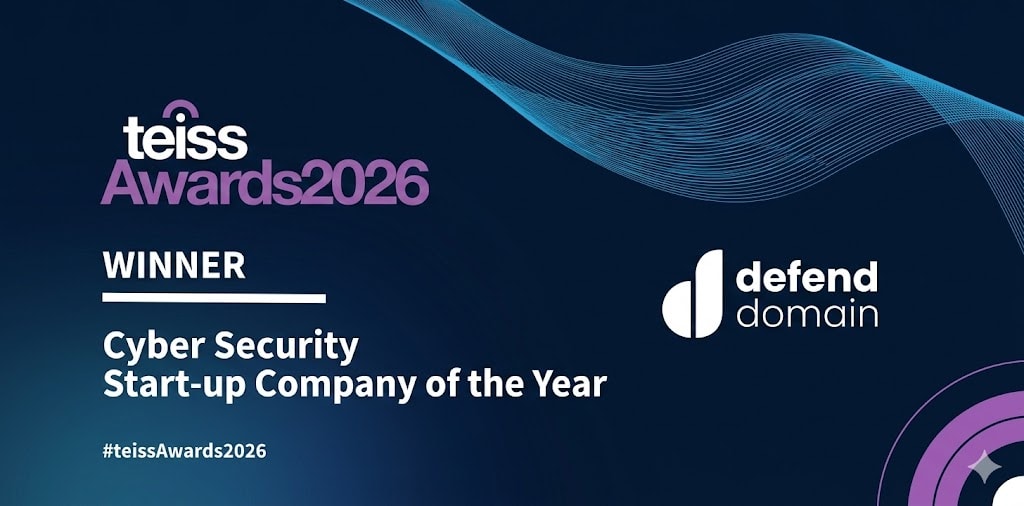
Winner
Cyber Security Start-up of the Year
teiss Awards 2026

Finalist
Security Innovation of the Year
Computing Security Excellence Awards 2026
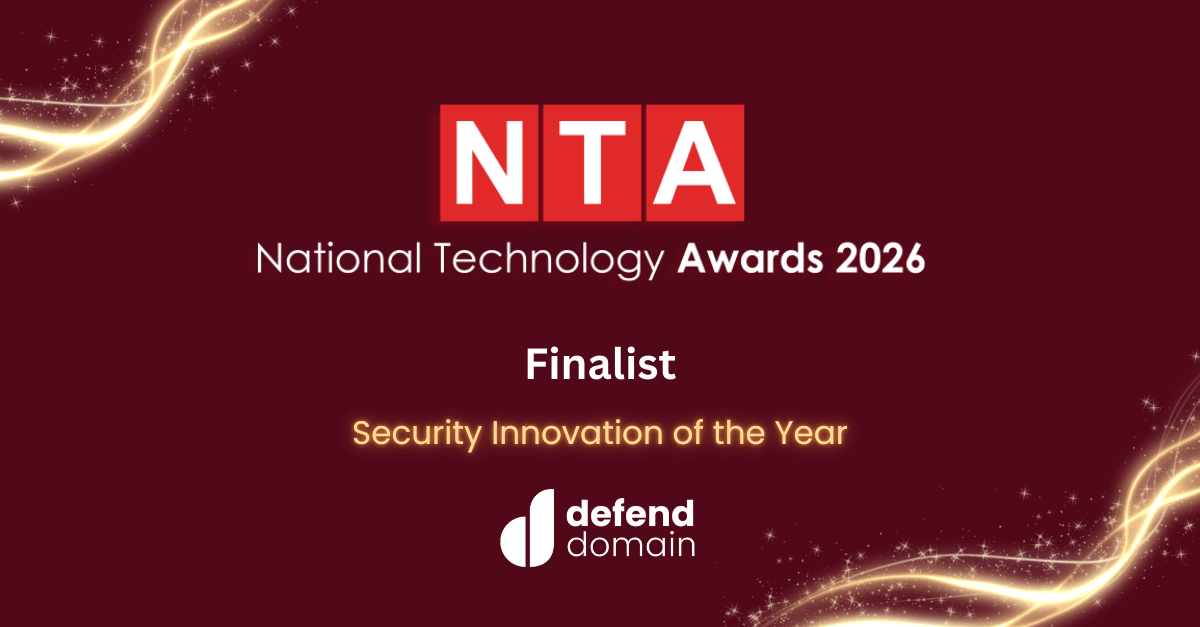
Finalist
Security Innovation of the Year
National Technology Awards 2026
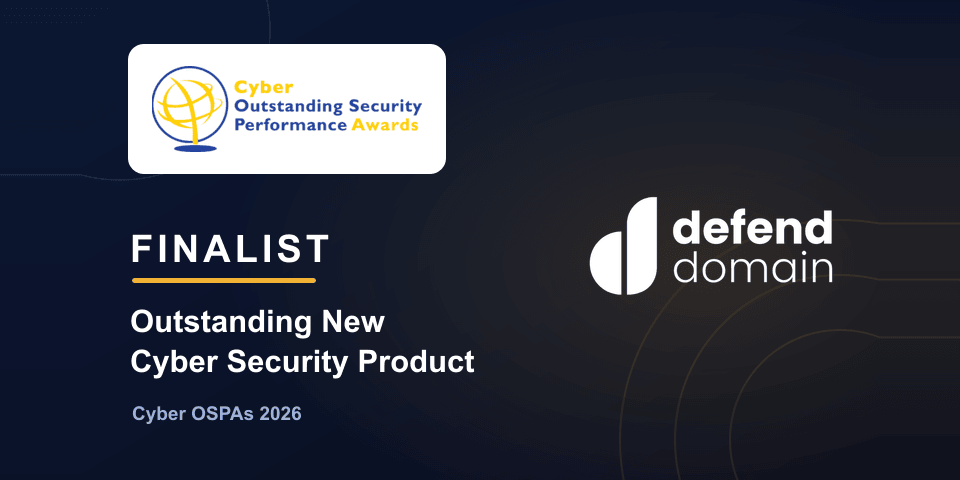
Finalist
Outstanding New Cyber Security Product
Cyber OSPAs 2026
The teiss judges are practising security leaders. Read what they saw.
Free scan. No account, no card details.
Find out what's already targeting your domain
We check 150+ lookalikes of your domain and email you a report you could hand straight to your IT team.
- Typos, other endings and added words, such as yourcompany-invoices.com
- Which ones are registered, and which are set up to send email as you
- The report in your inbox, usually in a couple of minutes. No account, no card details, no sales call.

Prefer a conversation? Book a demo. 30 minutes is enough for us to give you a clear annual price for your domains.